Questions
What does "private beta" mean?
MetaTickTrader is finished enough to trade with every day, and we're opening it to a limited group of traders first.
Beta testers get the full app and help shape it: tell us what works and what doesn't, and we fix and improve it quickly.
As in any beta, you may still meet small bugs, so test on a demo MT5 account first.
Why do I need to apply before I can pay?
So we can support every beta tester well, we let people in in small groups. The form takes about 2 minutes: your trading experience,
markets, broker and what you want to use the app for. We read each application ourselves and e-mail you our decision; once you're approved
you choose a plan and pay. You never pay before you're approved.
Can I use MetaTickTrader for free?
Yes, if you trade with one of our partner brokers. Open a live account (or a sub-account if you are already a client) through our link
and make a deposit, then e-mail info@metaticktrader.com your broker account / registration ID and proof of the deposit. Once we've checked it, your first month is free.
After that your monthly trading volume gives you a Bronze, Silver or Platinum tier, and with a tier you keep using MetaTickTrader for free.
Never send us passwords; the account ID and a deposit screenshot are enough.
Which brokers does it work with?
Any broker that offers MetaTrader 5. MetaTickTrader connects through your MT5 terminal, so it trades whatever your account offers. It was built and tested with Vantage.
Is my password safe?
Your login stays on your PC. If you choose to remember it, it is encrypted with Windows' own protection, so only your Windows user can read it. Nothing is sent to us.
How do the plans work?
Pick a plan from one week to without limit and pay once for that period. Plans don't renew automatically: before yours ends you can extend it,
and the new time is added after your current end date, so you never lose days. You can download the app from your account page while your plan is active.
Will the strategies make money?
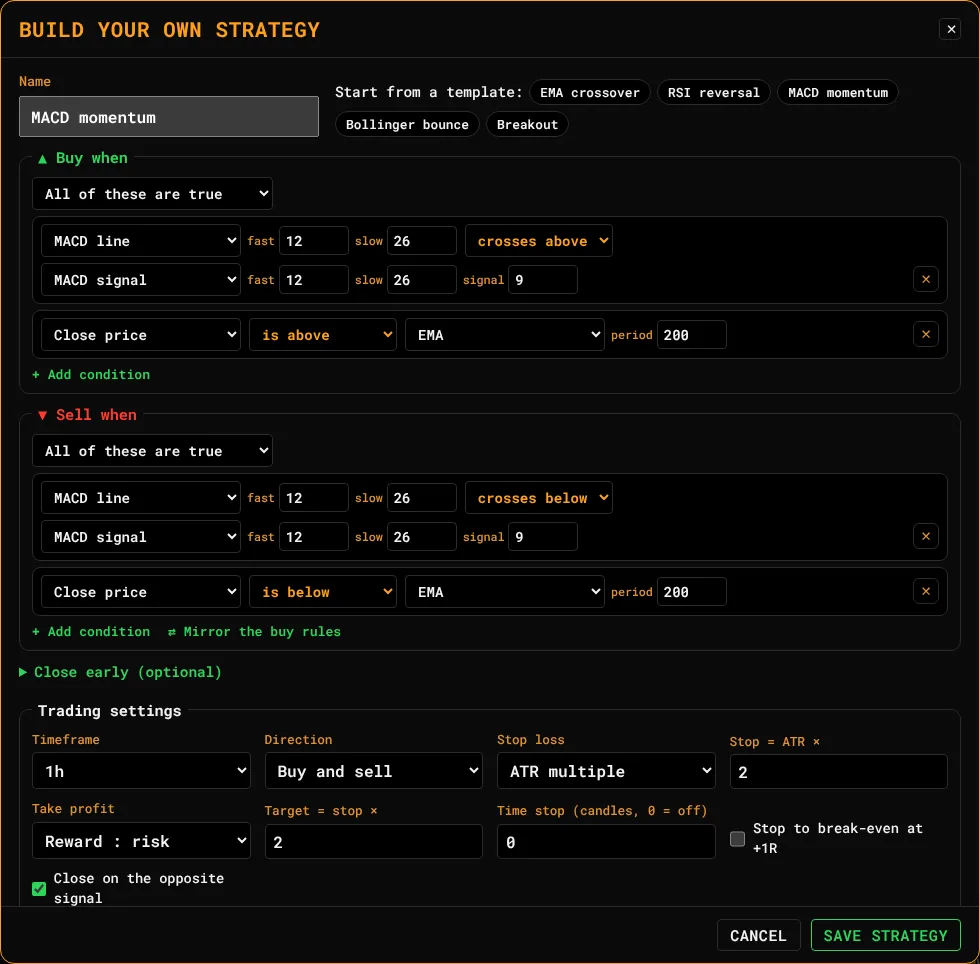
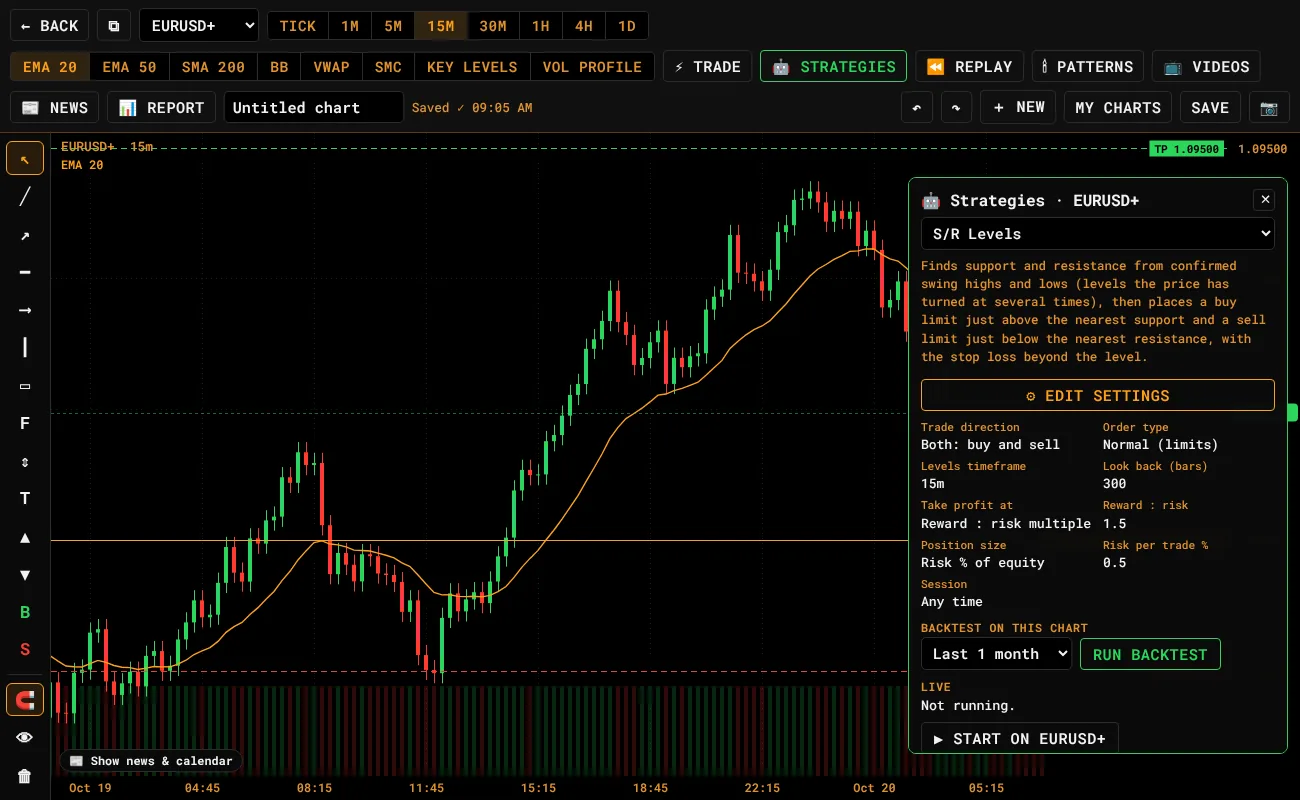
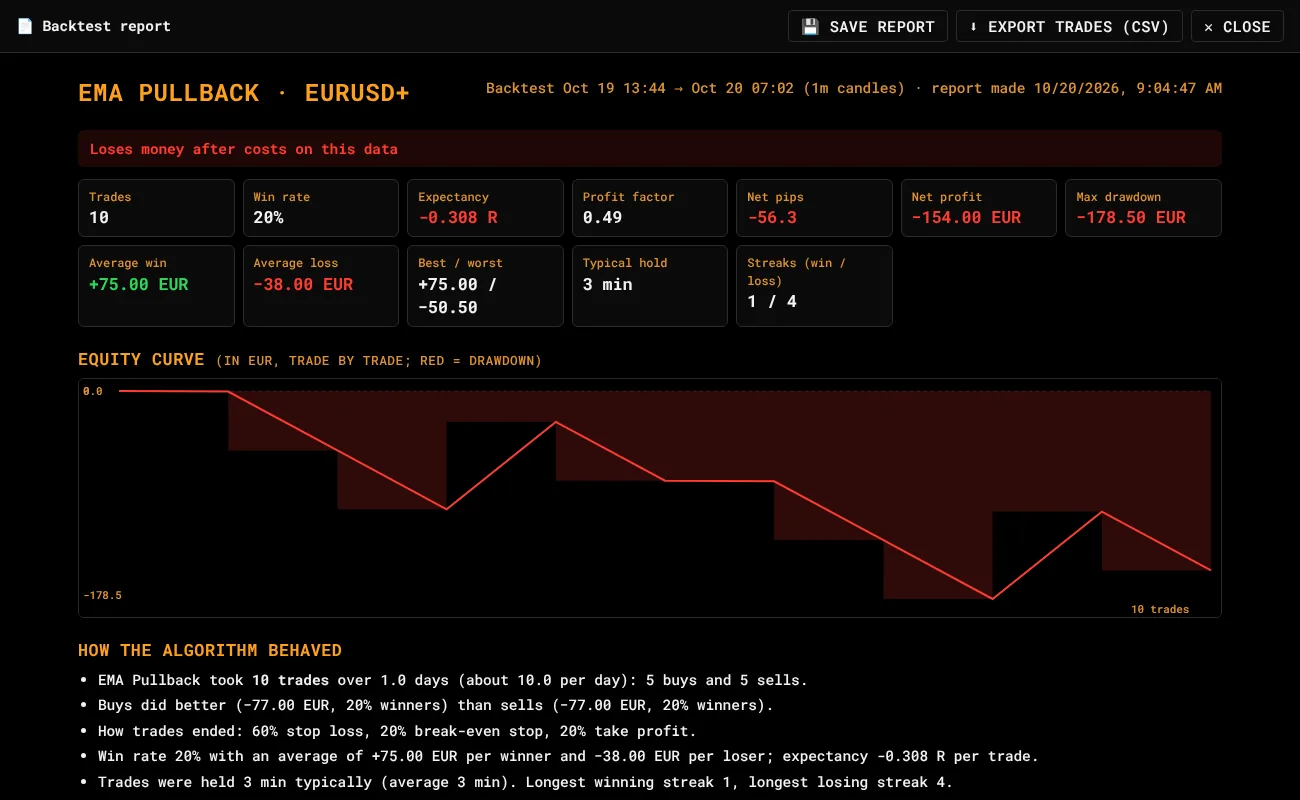
No software can promise that. The backtests are built to be honest, with costs, slippage and checks for luck, but past results don't guarantee future ones. Always test on a demo account first.
Does it run on Mac or Linux?
Not yet. MetaTickTrader needs Windows 10 or 11, because the MetaTrader 5 connection it uses is Windows-only.
What do I need besides the app?
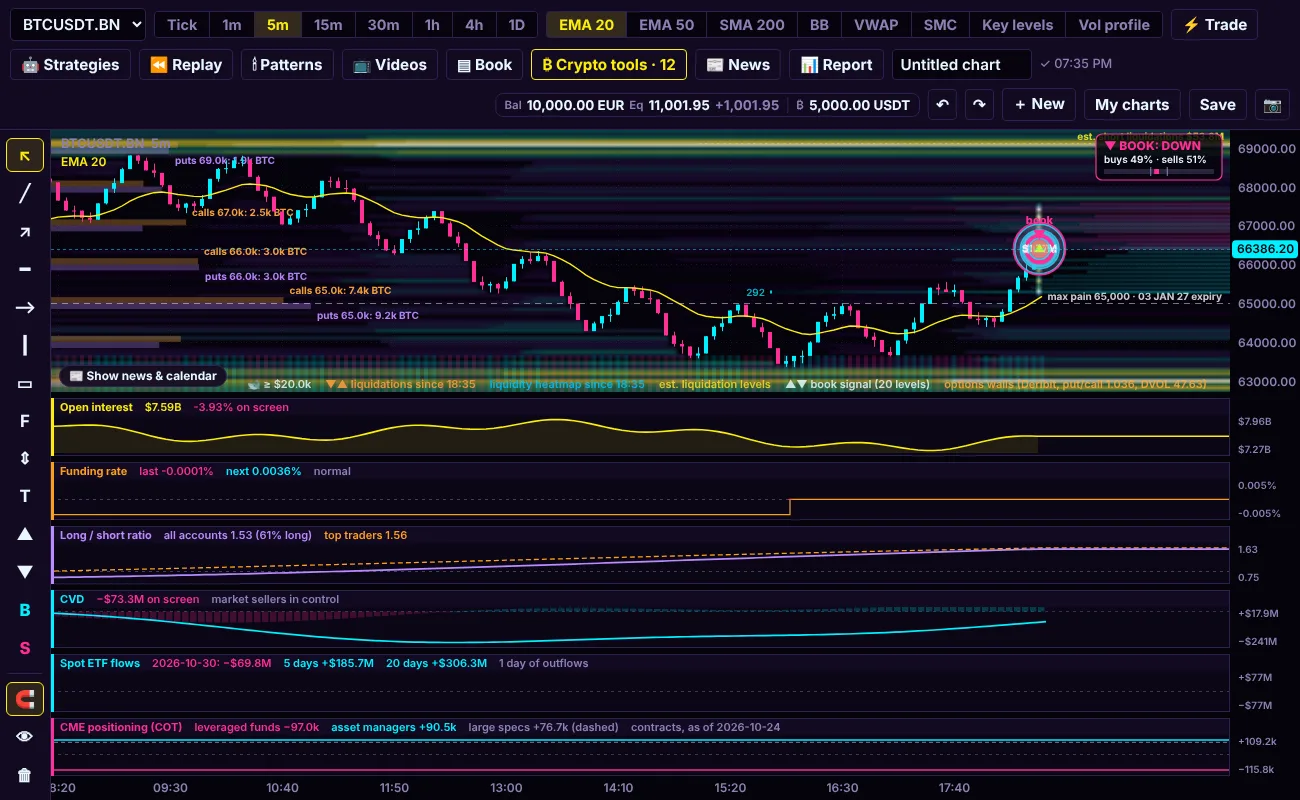
MetaTrader 5 from your broker, installed on the same PC and logged in. Optional extras such as market sentiment data use free accounts that you add in the app.
Is MetaTickTrader made by MetaQuotes?
No. MetaTickTrader is an independent product that works with MetaTrader 5. It is not affiliated with or endorsed by MetaQuotes or any broker.